

Wi-Fi explained
Grow your knowledge so you can make your Wi-Fi work for you.
Different types of speed
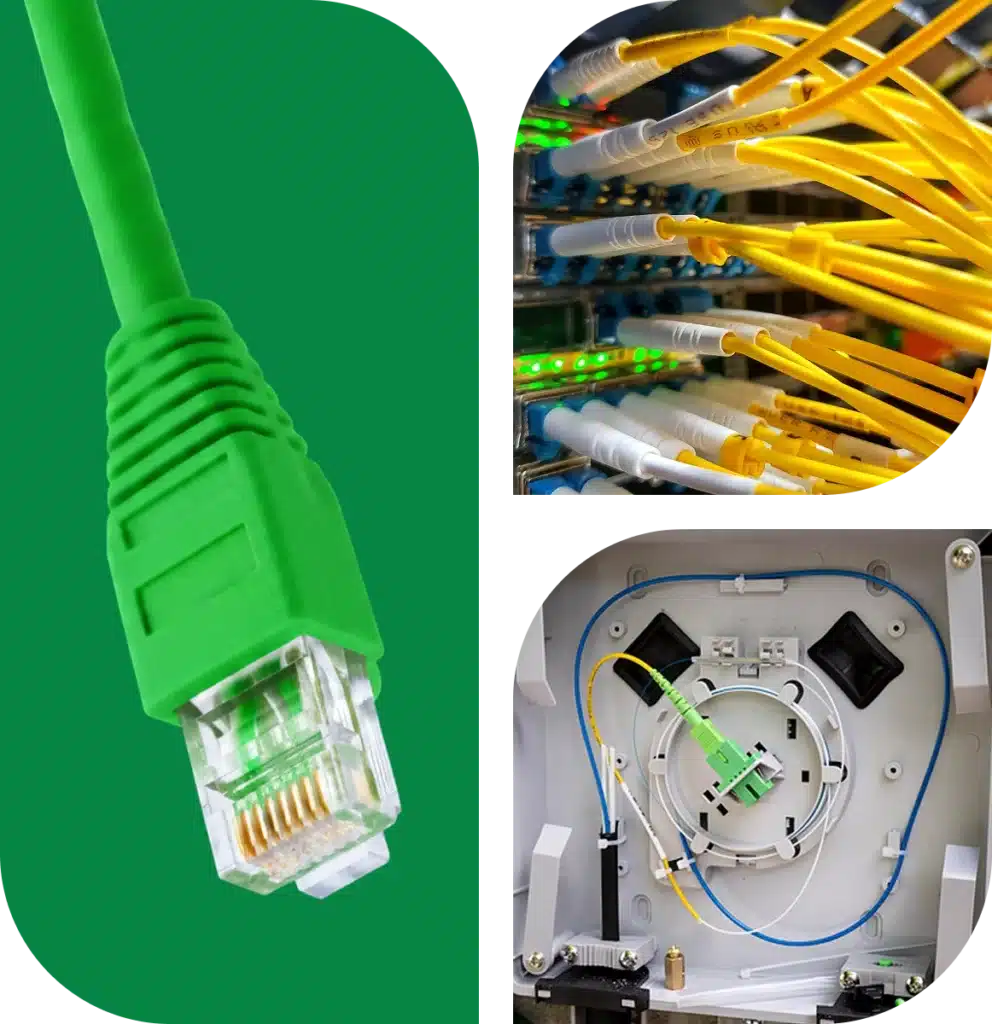
Over Sprout’s 100% fiber optic network, data can travel at the speed of light! It also enables us to give you symmetrical speeds, meaning the upload speed is the same as the download.
This is important for activities like gaming, video calls, and uploading pictures and documents, offering a far smoother experience than you might have with other internet technologies, which often offer high download speeds and minimal upload speed.
All Sprout plans list the maximum speed you’ll receive via a wired connection using an ethernet cable. Your speed could be less if your device is connected via via Wi-Fi. Since most devices will be connected to the internet wirelessly, understanding how Wi-Fi works is important to having the best internet experience. Read on for our expert tips and tricks!
Factors that affect your Wi-Fi speeds
The speeds you get on a device that is connected to Wi-Fi will vary. Typically, there are three main causes for a sluggish speed over Wi-Fi:
- The quality of the Wi-Fi signal (lots of devices need lots of strong Wi-Fi)
- The settings and limitations of the technology in your device (some devices were not designed for today’s technology)
- The reach of the Wi-Fi signal (device distance from the signal)

How to improve your Wi-Fi performance

Extend or enhance your coverage
Sprout offers Enhanced Residential Wi-Fi for an additional charge per month. This is an ideal solution for large homes (between 1,500 and 3,000 sq. ft.) or homes that have non-standard configurations or construction. This option is recommended when our standard Sprout router does not provide adequate cover for your home.
And, if you want your Wi-Fi to extend beyond the home to your porch, patio, pool, even down by the dock, we offer custom outdoor Wi-Fi solutions.
Test your speeds
The most accurate speed test is on a hardwired, ethernet connection to a newer model PC. Older devices, gaming systems, and any Wi-Fi connected device will likely not reflect the max speeds capable of your Sprout service.
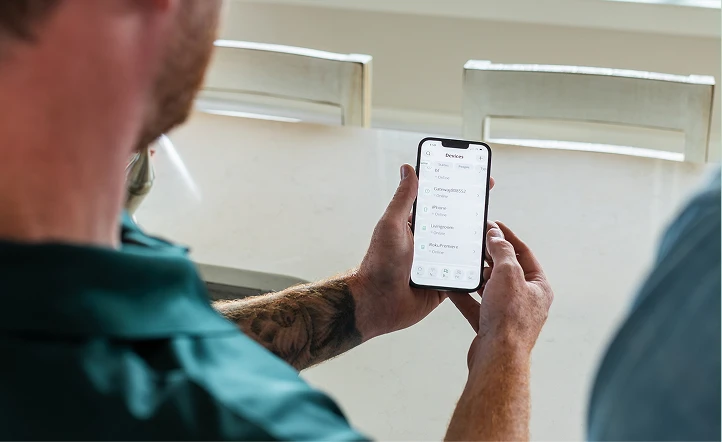
When checking your speeds, we recommend using our Wi-Fi app, which tests the speed at the Wi-Fi router. Another option is by visiting www.speedtest.net. For more information, check out their FAQs. Please note: speed tests on devices are limited to device capabilities. For the most accurate results, tests should be performed at the ONT/fiber modem or the Wi-Fi router.
Wi-Fi, explained.
Helpful tips and resources for understanding your home Wi-Fi.
Don’t Wait for the Future. It’s here.
Wi-Fi 7 is the start of a new era. It…Internet vs. Wi-Fi: What’s the Difference?
If you use the words “internet” and “Wi-Fi” interchangeably, you’re…What’s all this talk about G’s?
The internet industry is full of confusing terms, and it…